
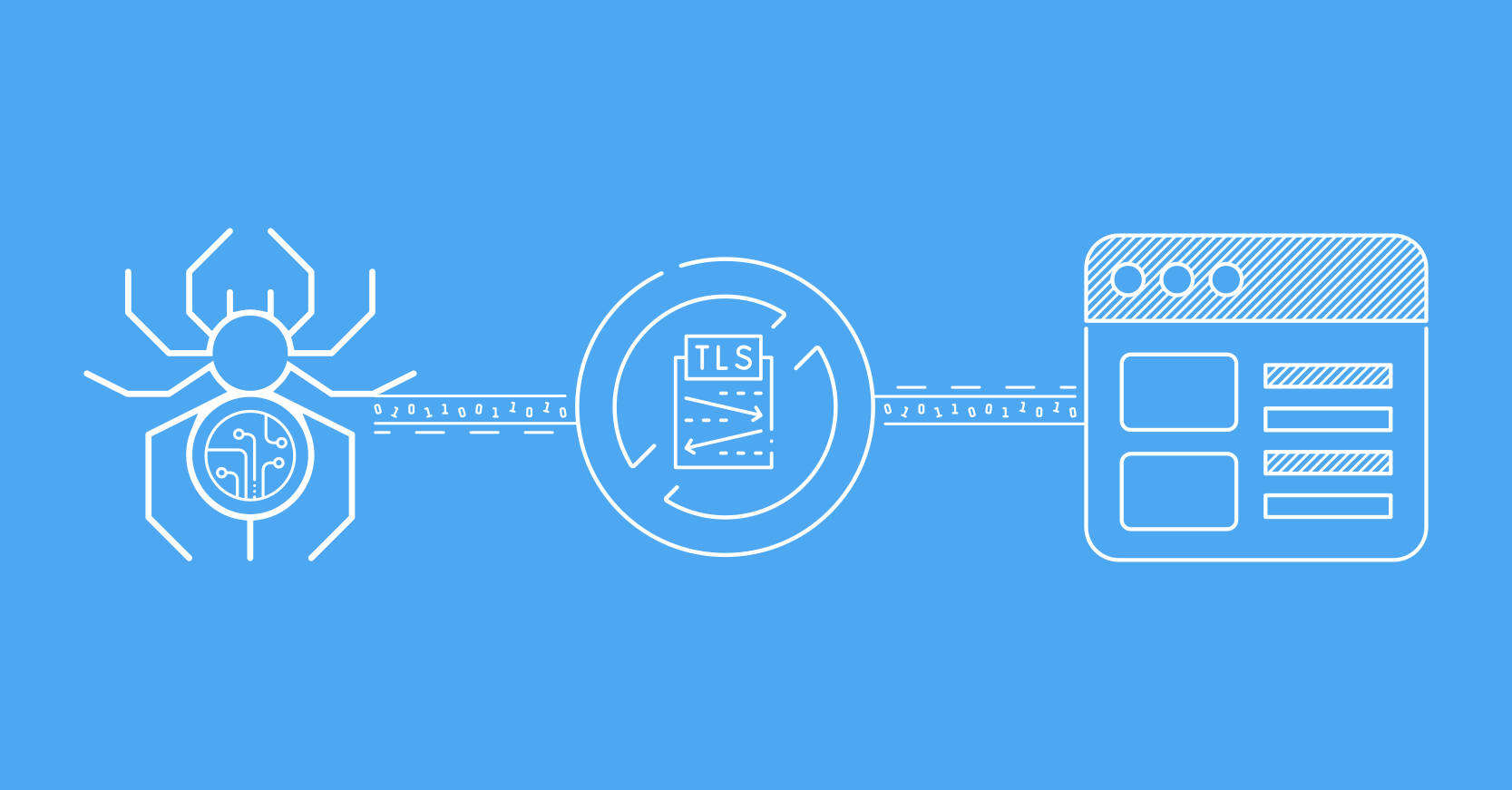
curl-impersonate: A Tool to Bypass TLS Fingerprinting Anti-Bot Measures
curl-impersonate and TLS Fingerprinting

curl-impersonate is a specialized fork of the popular curl tool designed to mimic the TLS fingerprints of various browsers. This is particularly useful in scenarios where you need to bypass anti-bot measures that rely on TLS fingerprinting to identify and block non-browser clients.
How curl-impersonate Works
curl-impersonate modifies the TLS handshake parameters to match those of specific browsers, such as Chrome, Firefox, or Safari. This includes:
- TLS Version: Mimicking the supported TLS versions of the target browser.
- Cipher Suites: Using the same list and order of cipher suites as the browser.
- TLS Extensions: Replicating the exact set of TLS extensions and their order, including browser-specific extensions like GREASE or ALPS.
Why TLS Fingerprinting Matters
TLS fingerprinting is a technique used by servers to identify the type of client making a request based on the parameters sent during the TLS handshake. This is often used by anti-bot systems to block web scrapers or automated tools. By using curl-impersonate, you can make your requests appear as if they are coming from a legitimate browser, thereby avoiding detection.
Key Features of curl-impersonate
- Browser-Specific Fingerprints: curl-impersonate can mimic the TLS fingerprints of popular browsers like Chrome, Firefox, and Safari.
- HTTP/2 Support: It also supports HTTP/2, ensuring that the HTTP/2 fingerprint matches the target browser.
- Programmatic Use: curl-impersonate comes with a fork of libcurl, called libcurl-impersonate, allowing you to use it programmatically in your applications.
How to Use curl-impersonate
To use curl-impersonate, you can either use the command-line tool directly or integrate it into your application using libcurl-impersonate. Here’s an example of how to use it to mimic Chrome:
curl-impersonate-chrome https://example.com
Conclusion
curl-impersonate is a powerful tool for bypassing TLS fingerprinting-based anti-bot measures. By mimicking the TLS fingerprints of popular browsers, it allows you to make requests that are indistinguishable from those made by legitimate users. This makes it an essential tool for web scraping, testing, and other automated tasks that require bypassing anti-bot systems.
 Invite Gmail Contacts